
If you’ve ever seen a browser warning that says a site is “Not Secure,” that’s almost always a missing SSL certificate – and it’s one of the fastest ways to lose a visitor’s trust before they’ve even read a word of your content.
What SSL actually does
An SSL certificate encrypts the connection between a visitor’s browser and your website, so any information passed between the two – a contact form submission, a password, payment details – can’t be intercepted or read by anyone in between. It’s the difference between “http” and “https” in your web address.
The trust signal is immediate
Every major browser now visibly flags non-HTTPS sites as “Not Secure” right in the address bar. Most visitors won’t know the technical detail, but they will notice the warning – and plenty will leave rather than risk it, especially on a contact or checkout page.
It affects your Google rankings
Google has confirmed HTTPS as a ranking signal. It’s not the single biggest factor in your search position, but on a level playing field, a secure site has a real edge over an insecure competitor.
It’s required for anything involving payment or personal data
If you take payments, bookings, or collect any personal information through a form, SSL isn’t optional – it’s a basic expectation, and in many cases a legal one under UK data protection requirements.
The good news: it’s usually simple and often free
Modern hosting typically includes a free SSL certificate as standard, with automatic renewal so it never quietly expires and breaks your site. The days of SSL being an expensive add-on are largely over – the real risk now is a site where it was never set up properly in the first place, or one where an expired certificate has gone unnoticed.
How to check your own site
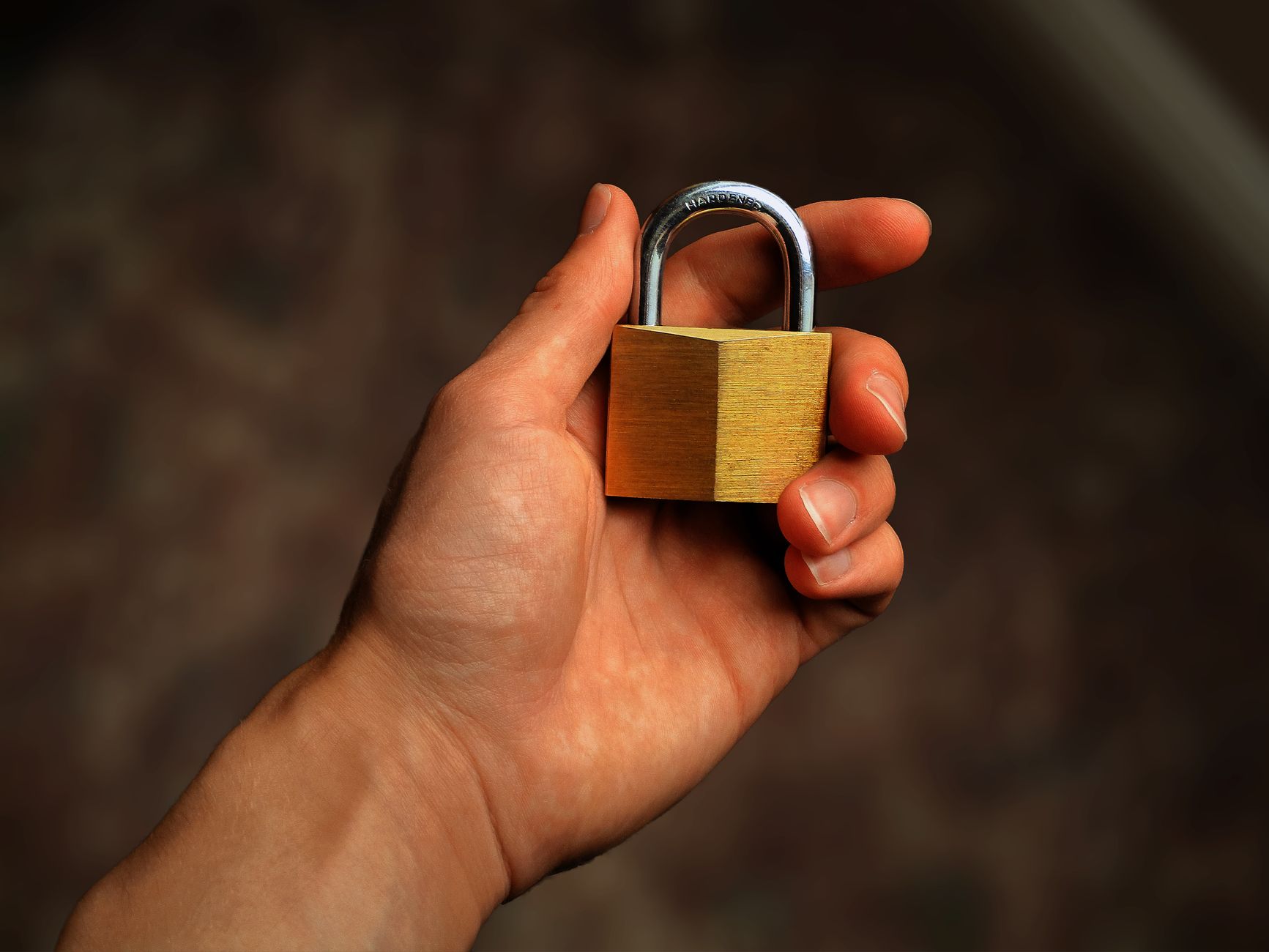
Look at your website address in the browser bar. If it starts with “https://” and shows a small padlock, you’re covered. If it says “http://” without the “s,” or shows a warning, that needs sorting – ideally today rather than “at some point.”
Every site ChrisXCreative hosts includes SSL as standard, monitored so it’s renewed automatically and never silently lapses. If you’re not sure about your current site, it takes two minutes to check – just ask.